
Questions, answered
The essentials on T2FiQ — accounts, player profiles, devices, and how training works — before you create a household.
Quick answers before you start
Open a question below. Still unsure? Create an account and try a sample scene — or read About for the bigger picture.
Who is T2FiQ for?
Youth soccer players learning to read the game, managed by a parent account. Scenes are built around decisions kids face in real matches.
Do kids need their own login?
No. Parents sign in, then switch the active player profile. Progress stays with each kid.
Is this a video game?
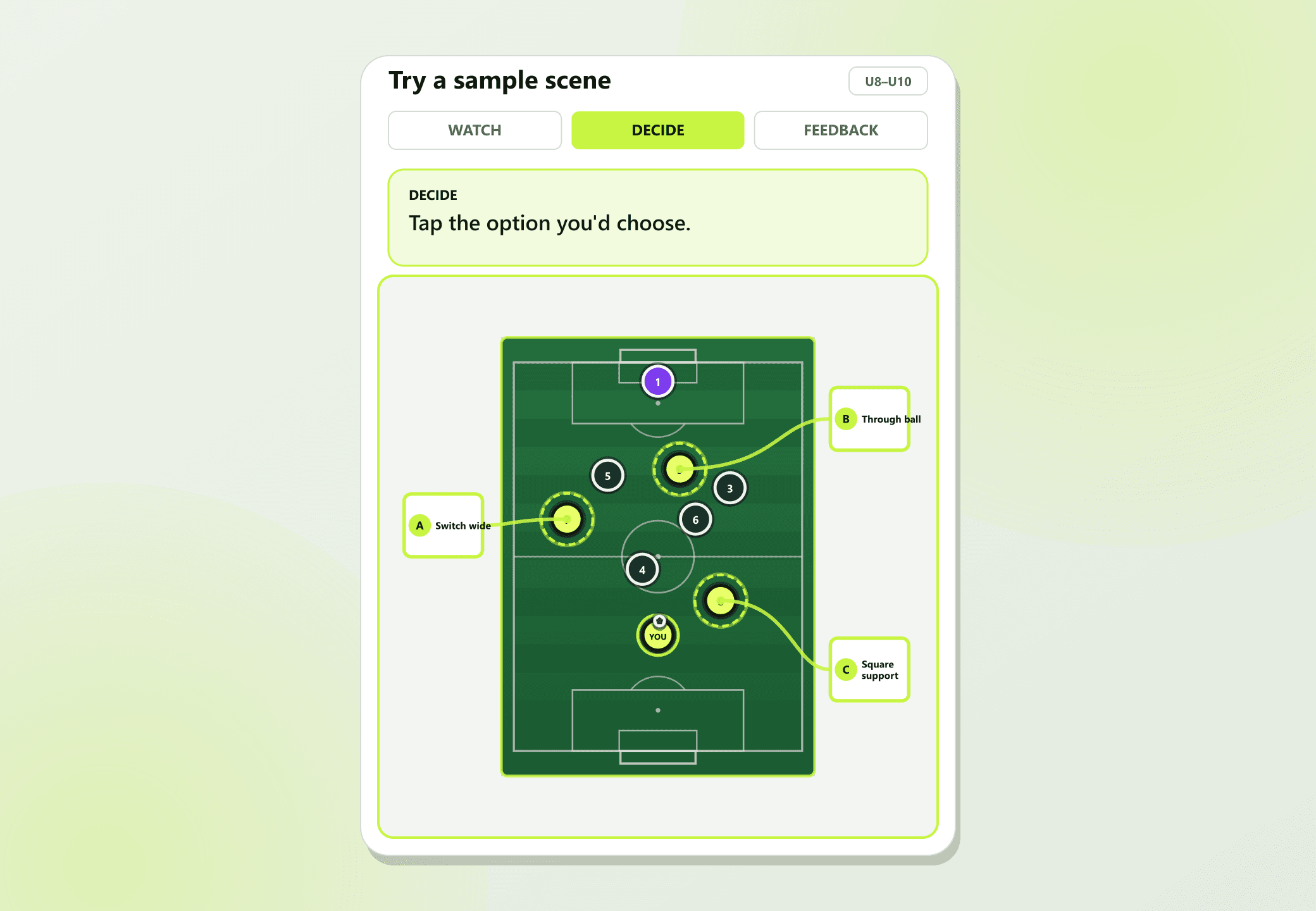
It is decision training — short interactive pitch scenes that freeze, ask for a choice, then show the consequence. The goal is judgment, not high scores.
What devices work?
Any modern phone, tablet, or computer with a browser. Training is touch-friendly for tablets.
How do we get access?
Create a parent account and start training with what’s available now. T2FiQ runs as a subscription-style household product — sign-up is the only step today.
Can coaches use it with a team?
Team access is on the roadmap for clubs and coaches who want roster-friendly setup. Start with a parent account today; team workflows expand as the product grows.
Total Touch Football IQ — decision training for kids who want to read the game faster.